


Visual Paradigm Online’s AI Flip Book Maker enables users to generate complete, illustrated digital flip books quickly using artificial intelligence. The tool handles text content, relevant images, cover design, and produces an interactive, shareable flip book with realistic page-flipping effects. The entire process takes just a few minutes and requires no advanced design or writing skills.
Prerequisites
-
Access Visual Paradigm Online (online.visual-paradigm.com or the AI tools section at ai-toolbox.visual-paradigm.com).
-
Log in to your account (free tier may be available; some features might require a subscription for full access or advanced options).
-
Navigate to the AI Tools section.
Step-by-Step Instructions
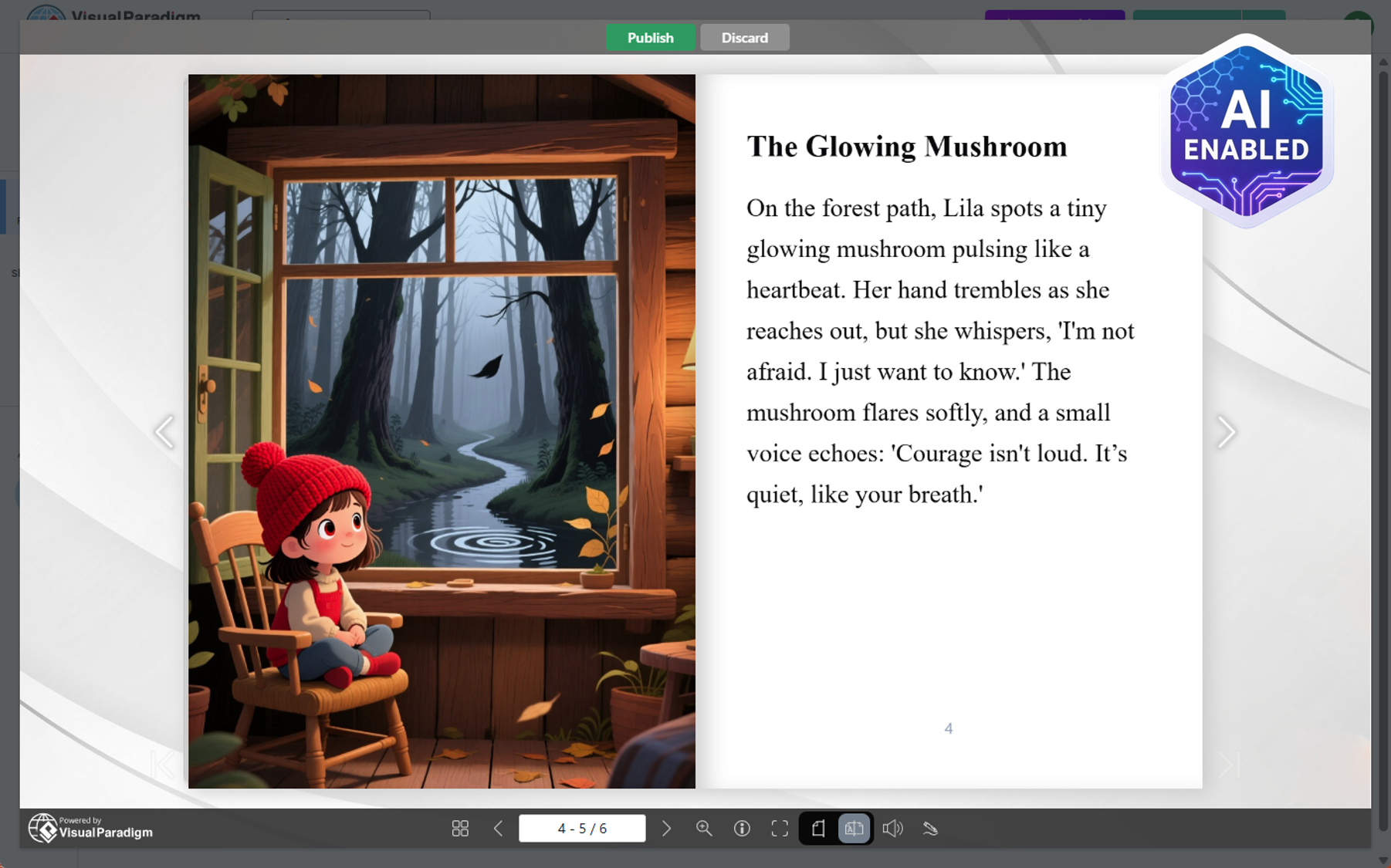
Step 1: Access the AI Flip Book Maker
-
Log in to Visual Paradigm Online.
-
Open the AI Tools menu or dashboard.
-
Search for “AI Flip Book Maker” (or similar terms like “AI-powered flipbook maker”).
-
Click Start Now (or the equivalent launch button) to begin.
Step 2: Create a New Book
-
Select Create New Book (or “+ New Book” / “AI Book Generator” option).
-
This opens the AI generation interface.
-
Step 3: Provide Book Details and Settings
-
Enter the core information:
-
Book Topic: The main subject or title of your flip book (e.g., “The Life Cycle of Butterflies”).
-
Description: A short overview or prompt describing the content (e.g., “An educational children’s book explaining the stages of butterfly metamorphosis with colorful illustrations”).
-
-
(Optional) Use AI generation for additional inspiration if you’re unsure about the topic or description.
-
Configure the detailed generation settings:
-
Number of text pages: How many pages should contain primarily text/content.
-
Words per page: Approximate word count per text page (controls depth/density).
-
Language: The language for the generated text (e.g., English, Spanish).
-
Target audience: Who the book is for (e.g., children, students, professionals, general readers).
-
Image pages: Number of pages focused on visuals/illustrations.
-
Preferred art style: Choose a style for AI-generated images (e.g., realistic, cartoon, watercolor, minimalist).
-
-
Review all settings to ensure they match your vision.
Step 4: Generate the Book with AI
-
Click Generate Book with AI.
-
Wait for the AI to process:
-
It automatically creates structured text content.
-
It generates matching images/illustrations based on your topic, description, and art style.
-
-
Once complete, the book appears in the editor.
Step 5: Review and Customize Content
-
View each page in dual modes:
-
Markdown mode: Edit the raw text (feature-rich Markdown editor).
-
Preview mode: See the formatted page with images and layout.
-
-
Refine text manually as needed:
-
Any edits update instantly in the page preview.
-
Adjust wording, add/remove details, or improve flow.
-
-
The AI-placed images update contextually if text changes significantly (though major image changes may require regeneration in some cases).
Step 6: Prepare the Cover Page
-
Navigate to the cover section.
-
Choose one of two options:
-
Plain background: Select a simple color or template.
-
Generate with AI: Provide a prompt or use auto-generation based on your book topic/description for a custom, eye-catching cover.
-
-
Finalize the cover design (adjust title placement, fonts, etc., if the editor allows).
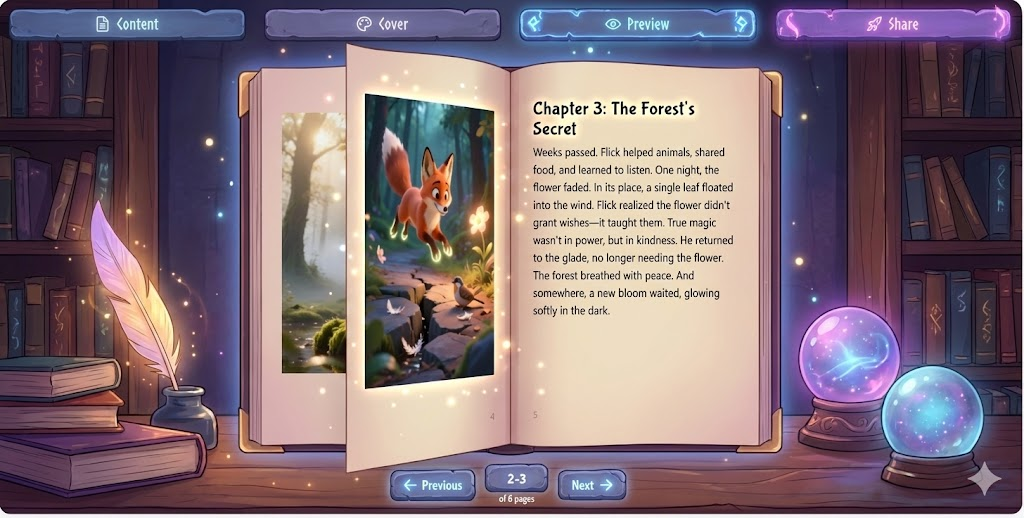
Step 7: Preview the Entire Flip Book
-
Use the preview function to see the complete book.
-
Flip through pages to check:
-
Flow and consistency.
-
Image-text alignment.
-
Overall visual appeal.
-
Realistic page-flip experience.
-
Step 8: Save and Share/Publish
-
Save the flip book to your workspace/dashboard for later editing.
-
To make it public:
-
Go to Share or Publish.
-
Select Publish and generate a share link.
-
Anyone with the link can read the interactive flip book online.
-
-
Advanced sharing options:
-
Adjust flip book size (dimensions/resolution).
-
Embed the flip book into a blog, website, or webpage using provided embed code.
-
Tips for Best Results
-
Provide a clear, detailed description in Step 3 for more accurate AI output.
-
Experiment with art styles to match your audience (e.g., cartoonish for kids, photorealistic for educational/professional topics).
-
Keep initial text pages moderate (10–20) for faster generation and easier editing.
-
Use preview frequently to catch issues early.
-
If the first generation isn’t perfect, tweak settings and regenerate (most tools support iteration).
Additional Features (Based on Visual Paradigm Online Platform)
-
Integration with other VP Online tools (e.g., diagrams, animations).
-
Possible multimedia additions (videos, audio, links) in advanced flip books.
-
Access via ai-toolbox.visual-paradigm.com/app/ai-powered-flipbook-maker (or similar direct link).
This AI-powered workflow eliminates manual writing and design hurdles, letting you focus on ideas while the tool handles creation. Start experimenting today to turn concepts into professional, shareable digital flip books in minutes!
- AI-Powered Flipbook Maker (Lite): Official feature page describing the AI tool for effortless creation, design, and sharing of illustrated e-books and flipbooks, including step-by-step generation process.
- AI-Powered Flipbook Maker: Main product page for the full AI Flipbook Maker, highlighting AI-powered content creation, custom images, interactive bookshelf organization, and transformation of ideas into shareable flipbooks.
- AI Flipbook Maker | Create Stunning Digital Flipbooks: AI-focused tool page explaining how to generate complete interactive digital flipbooks—including content, covers, and illustrations—using a unified AI interface.
- AI-Powered Flipbook Maker Lite | Create Illustrated eBooks Instantly: Dedicated page for the Lite version, emphasizing quick creation and publication of beautiful e-books with AI, no design or coding required, with direct launch link.
- Online Flipbook Maker: General flipbook creation platform page on Visual Paradigm Online, covering design, publishing, sharing, templates, and integration features (context for the broader flipbook ecosystem).
- Unleash the Power of AI: Create Stunning Flipbooks Instantly!: Blog post (with video embed context) detailing the AI flip book creation workflow, settings like text pages, art style, and generation steps—closely matching the provided transcript.
- Create Stunning Flipbooks with AI: Content, Images & Sharing Made Easy!: YouTube video page (source of the transcript), introducing the AI-Powered Flipbook Maker by Visual Paradigm with a tutorial demonstration of the tool in action.