
Profile diagrams act as the foundational blueprint for extending modeling languages and defining system behaviors. When architects or engineers construct these diagrams, precision is paramount. A well-structured profile ensures that the underlying model remains consistent, maintainable, and clear to all stakeholders involved. However, even experienced professionals frequently introduce errors that compromise the integrity of the entire architecture. These errors often stem from a lack of rigorous planning or misunderstanding of core modeling principles.
This guide details ten specific pitfalls that occur during the creation of profile diagrams. By understanding these common errors and their technical implications, you can build more robust models. The focus here is on structural integrity, clarity, and adherence to standard conventions without relying on specific tool capabilities. Each point below outlines the mistake, explains the consequence, and offers a concrete path to correction.
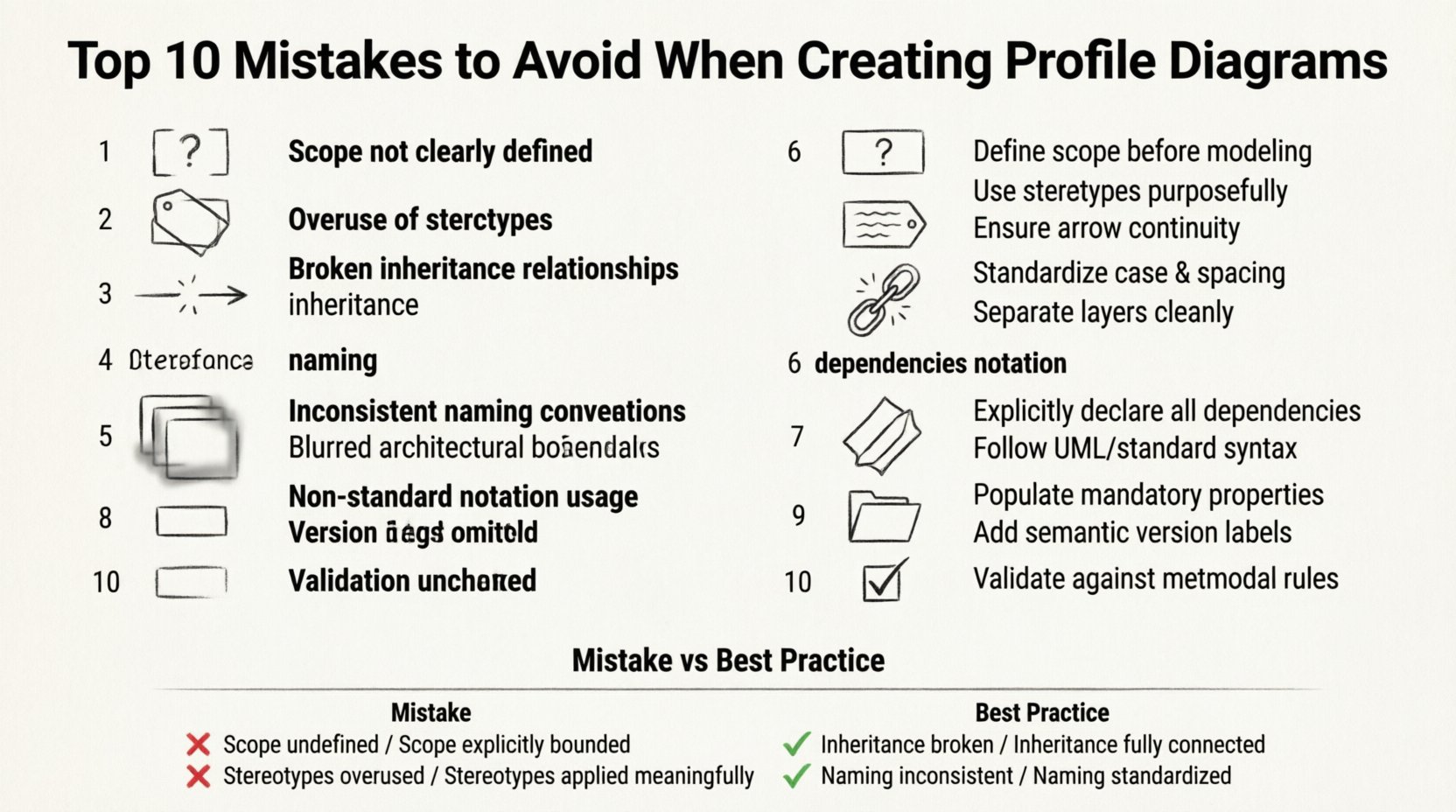
1. Ambiguous Scope Definition 🚫
One of the most frequent issues is failing to define the boundaries of the profile clearly. A profile diagram should serve a specific purpose, such as defining a set of stereotypes for a particular domain or technology layer. If the scope is vague, the diagram becomes a collection of unrelated elements.
- The Mistake: Adding elements without a clear justification for their inclusion.
- The Impact: Future maintainers cannot determine which parts of the profile are essential and which are obsolete.
- The Fix: Start with a clear statement of intent. Document what domain the profile covers and what it excludes. Limit the diagram to only those elements that directly support the stated goal.
Without a defined scope, the diagram risks becoming bloated. This leads to confusion during integration phases where the profile is applied to other models. Clear boundaries ensure that the profile remains focused and relevant to the specific architectural needs.
2. Excessive Stereotype Usage 🏷️
Stereotypes are the primary mechanism for extending modeling languages. However, creating too many stereotypes for a single profile dilutes their meaning. When every element looks different, the visual language loses its power to convey specific information quickly.
- The Mistake: Defining unique stereotypes for minor variations in behavior or state.
- The Impact: The model becomes cluttered and difficult to read. Users struggle to distinguish between critical and non-critical distinctions.
- The Fix: Group similar behaviors under a single stereotype where possible. Use properties or attributes to handle the variations instead of creating new visual symbols.
Consistency in visual representation is key. If you have a stereotype for a service, do not create another one for a similar service that only differs slightly. Use the same stereotype and define the difference in the metadata properties attached to the instance.
3. Incorrect Inheritance Structures 🔄
Profiles often rely on inheritance to extend existing model elements. Mistakes in how these inheritance relationships are established can break the logical flow of the model. A common error involves creating circular dependencies or violating the hierarchy rules of the underlying language.
- The Mistake: Extending an element that is itself a stereotype, or creating a chain that loops back on itself.
- The Impact: The modeling environment may reject the diagram, or the model may behave unpredictably during analysis.
- The Fix: Ensure that extensions are applied to base classes correctly. Avoid extending other stereotypes unless the language specification explicitly allows it. Map the hierarchy carefully before implementation.
Proper inheritance ensures that properties and behaviors are passed down correctly. If the structure is flawed, derived elements may lose critical attributes or fail to inherit necessary constraints. Always validate the parent-child relationships within the profile definition.
4. Inconsistent Naming Conventions 📝
Names are the primary way humans identify elements in a diagram. Inconsistent naming makes it difficult to search for, reference, and understand specific components. This often happens when multiple people contribute to the profile or when terminology shifts during development.
- The Mistake: Using variations like user, User, user_account, and UserAccount for similar concepts.
- The Impact: Automated tools may fail to link elements correctly. Human readers waste time deciphering whether two names refer to the same thing.
- The Fix: Establish a strict naming convention at the start. Document rules regarding capitalization, separators, and prefixes. Review all names against this standard before finalizing the diagram.
Standardization reduces cognitive load. When every element follows a predictable pattern, navigation through the model becomes intuitive. This is especially important when the profile is shared across different teams or projects.
5. Blurring Architecture Layers 🌐
Profile diagrams should not mix concerns from different layers of the system architecture. A common error is including implementation details within a high-level conceptual profile, or vice versa.
- The Mistake: Embedding database schema specifics into a business logic profile.
- The Impact: The model becomes tightly coupled to specific technologies, making it hard to adapt to changes.
- The Fix: Separate concerns by layer. Keep the profile focused on the abstraction level it is intended for. Use separate diagrams for implementation-specific details.
Maintaining separation of concerns ensures flexibility. If you need to change the underlying technology, a well-structured profile allows you to make those changes without rewriting the entire model. This separation supports long-term maintainability.
6. Ignoring Dependency Management 🔗
Profiles rarely exist in isolation. They often rely on external packages or base languages. Failing to document these dependencies creates a fragile model that cannot be reconstructed or understood outside its original context.
- The Mistake: Defining stereotypes that reference elements not imported or included in the environment.
- The Impact: The model will fail to validate or render correctly in other environments. Integration efforts become complicated.
- The Fix: Explicitly list all required packages and base classes. Use import statements or references to ensure all dependencies are resolved before deployment.
Dependency clarity is crucial for portability. A profile that relies on hidden or implicit dependencies is difficult to share. Explicit documentation allows other teams to set up their environments correctly to use the profile.
7. Deviating from Standard Notation 📐
While extensions allow for customization, deviating too far from standard notation rules can confuse users who are familiar with the base language. Custom symbols without clear legends create barriers to entry.
- The Mistake: Creating unique shapes or icons that do not follow the standard visual grammar.
- The Impact: New team members struggle to interpret the diagram. Misunderstandings lead to implementation errors.
- The Fix: Adhere to standard visual conventions as much as possible. If custom notation is necessary, provide a comprehensive legend and documentation.
Visual consistency aids communication. If the diagram looks like the standard it extends, users can apply their existing knowledge to understand the new elements. This reduces the learning curve and minimizes errors.
8. Omitting Property Metadata 📦
Stereotypes gain power when they carry metadata. This includes constraints, default values, and specific rules that govern how the element behaves. Omitting these details renders the stereotype merely decorative.
- The Mistake: Defining a stereotype but leaving its properties empty or undefined.
- The Impact: The model lacks the necessary constraints to enforce business rules or technical requirements.
- The Fix: Define all relevant properties for every stereotype. Include constraints, validation rules, and default values where applicable.
Metadata transforms a visual symbol into a functional tool. It allows the model to drive code generation or validation processes. Without these properties, the profile cannot effectively automate tasks or enforce standards.
9. Neglecting Version Control Protocols 📂
Profiles evolve over time. Changes are inevitable as requirements shift. Neglecting version control means losing track of what changed, why it changed, and who made the changes.
- The Mistake: Overwriting previous versions without maintaining a history of modifications.
- The Impact: It becomes impossible to revert to a stable state or understand the evolution of the design.
- The Fix: Implement a versioning system for the profile files. Tag significant changes and maintain a changelog that documents the rationale behind updates.
Versioning provides safety. If a new version introduces a breaking change, you can easily roll back. It also provides accountability and context for future developers who encounter the profile in the codebase.
10. Skipping Validation Procedures ✅
The final step is often skipped: validating the profile before use. This involves checking for syntax errors, logical inconsistencies, and completeness.
- The Mistake: Assuming the diagram is correct because it renders without error.
- The Impact: Logical flaws may remain hidden until they cause runtime issues or data corruption.
- The Fix: Run validation scripts or checkers against the profile. Verify that all constraints are satisfied and that the profile integrates correctly with test models.
Validation ensures reliability. It catches errors that are not visible in the static diagram. A thorough check process guarantees that the profile can be trusted in production environments.
Summary of Best Practices vs. Common Pitfalls 📊
| Category | Common Mistake | Best Practice |
|---|---|---|
| Scope | Vague boundaries | Define clear inclusion/exclusion rules |
| Stereotypes | Too many unique types | Group similar behaviors under one stereotype |
| Inheritance | Circular dependencies | Follow strict hierarchy rules |
| Naming | Inconsistent terminology | Enforce strict naming conventions |
| Layers | Mixing concerns | Separate business and technical layers |
| Dependencies | Hidden references | Explicitly import and document all packages |
| Notation | Custom visual symbols | Adhere to standard visual grammar |
| Metadata | Empty properties | Define all constraints and default values |
| Versioning | No history tracking | Use version control and changelogs |
| Validation | Skipping checks | Run automated and manual validation |
Implementing these practices requires discipline and attention to detail. The goal is not just to create a diagram, but to create a reliable artifact that supports the broader system architecture. By avoiding these ten mistakes, you ensure that your profile diagrams remain clear, functional, and valuable assets for your team. Continuous review and adherence to these standards will lead to higher quality modeling outcomes.
Remember that a profile diagram is a communication tool as much as it is a technical specification. Clarity for the human reader is just as important as correctness for the machine. Prioritize readability, maintainability, and consistency in every step of the design process.